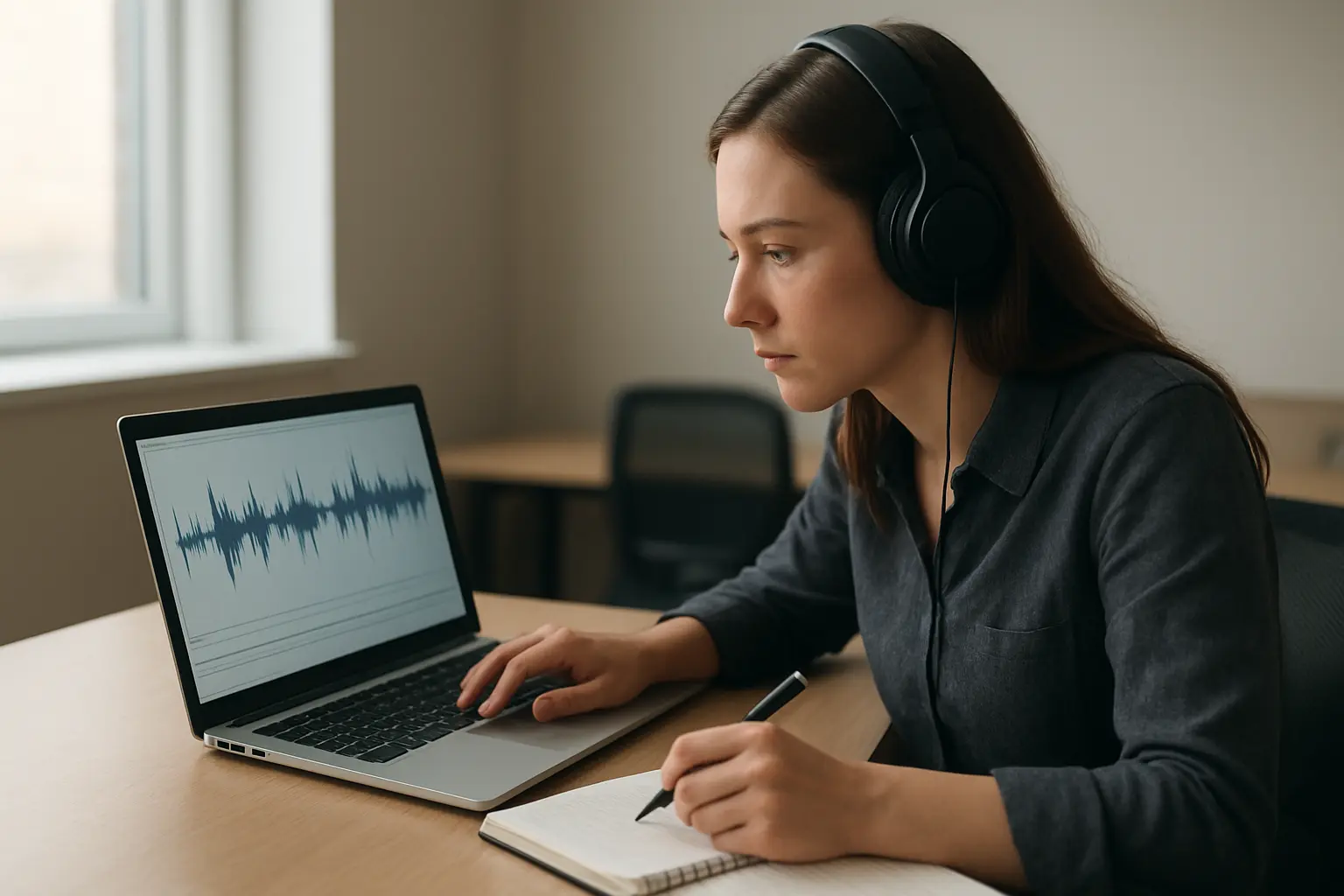
Transcription sits at an awkward junction: it is the most automatable drudgery in qualitative research, and it involves shipping your participants’ voices — personal data by definition — to whatever service you picked at midnight. So this comparison runs compliance first, capability second: the fastest transcriber in the world is the wrong choice if your ethics approval and data-management plan never named it.
| Local AI (Whisper-class) | Otter.ai | Your university’s Microsoft 365 tenant | Human transcription services | Doing it yourself | |
|---|---|---|---|---|---|
| Where audio goes | Nowhere — processed on your machine | Otter’s cloud | Institutional cloud, inside existing agreements | The service’s staff and systems | Nowhere |
| Cost | Free (open-source) | Free tier 300 min/month; Pro $8.33/month annual (1,200 min); 20% student discount via .edu email | Usually included | Per audio hour; the premium option | Your time: ~4–8 hours per audio hour |
| Accuracy on clear audio | Strong | Strong | Good | Best, especially accents and crosstalk | Perfect, eventually |
| Accuracy on messy audio (cafés, dialect, jargon) | Degrades; better with larger models | Degrades | Degrades | Holds up best | Holds up, slowly |
| Ethics-form friendliness | Highest — no third-party processing | Requires naming a third-party processor | High — often pre-approved infrastructure | Needs confidentiality agreement | Highest |
| Best for | Most doctoral interview studies | Meetings and low-sensitivity recordings | Institutionally cautious projects | Difficult audio, funded projects | Small N, analytic immersion |
Start with the rule, not the tool
Interview recordings are personal data — a voice is identifiable even before the content is — and your handling of them is governed by what your ethics application, participant information sheet and data-management plan actually said. Universities increasingly publish lists of approved transcription routes or require a data-protection assessment before audio leaves institutional systems, and sending recordings to an unapproved consumer cloud service can put you in breach of commitments you signed, whatever the tool’s own privacy page says. The sequence that keeps you safe: name your transcription route in the ethics application; describe it in the information sheet (“recordings will be transcribed using…”); and if your plans change mid-project, amend the approval rather than improvising. If you are before that stage now, write the transcription paragraph today — it is ten minutes that removes the whole class of problem, and the same logic applies to every tool that touches participant data.
The shortlist, ranked for a doctorate
1. Local AI transcription — the new default
Open-source speech models of the Whisper family changed this decision: strong automatic transcription that runs on your own computer, so the audio never leaves your possession. That single property collapses most of the compliance analysis — there is no third-party processor to name, justify or trust — and the price is zero. Costs: you need a reasonably capable machine, a small amount of setup (your university’s research computing team or a colleague has almost certainly done it already), and accuracy still degrades on poor recordings. For a typical doctoral interview study — sensitive-ish data, dozens of hours, no transcription budget — this is the recommendation.
2. Your university’s Microsoft 365 transcription — the institutional route
If your university runs Microsoft 365, transcription inside Word or Teams processes audio within the institutional tenant — infrastructure your university has already contracted for, which is why data-protection teams often point students here first. Accuracy is serviceable rather than stellar, and speaker separation is basic, but “the recording never left university systems” is a sentence that makes ethics reviewers relax. Check your institution’s own guidance for what its licence covers.
3. Otter.ai — capable, for the right recordings
Otter is polished and fast, with live transcription, speaker labelling and a workable free tier (300 minutes a month; Pro at $8.33 a month billed annually raises it to 1,200 minutes, with a 20 per cent student discount via a .edu address). The catch is precisely its cloud nature: for research interviews it is a third-party processor of participants’ personal data, which your approval must cover. Where it fits: low-sensitivity recordings, your own research memos, supervision meetings — and interview studies whose approval explicitly names it.
4. Human transcription services — buy them for the hard cases
Professional transcribers still beat every machine on strong accents, overlapping speech, poor recordings and specialist vocabulary, and offer the choice of intelligent verbatim versus full verbatim done judgementally rather than mechanically. They cost real money per audio hour and add a confidentiality step (a signed agreement, a reputable service, an approval that mentions outsourcing). Rational uses: a funded project, a handful of unusable-by-machine recordings, or Deaf/accessibility workflows.

Recording well is half the transcription problem
Every tool in the table performs a tier better on good audio, and good audio is mostly free. Use a dedicated recorder or a decent phone app rather than a laptop microphone across the table; put the device nearer the participant than yourself, since their words matter more than your questions; choose the quiet room over the atmospheric café whenever the participant allows; record thirty test seconds and listen back before the interview proper; and for remote interviews, use the platform’s own recording rather than re-recording speaker audio through the air. One more habit that saves projects rather than minutes: duplicate the file to institutional storage before you leave the building or close the call. A machine transcript of a clean recording plus a light correction pass beats a human transcript of a bad one — and the recording is the only stage you can never redo.
The step everyone skips: correction is analysis
Whatever produces your first draft transcript, the checking pass — you, headphones, audio against text — is not optional overhead. Automatic transcripts fail exactly where interviews are most interesting: jargon, names, emotional speech, overlaps. And the correction hours are quietly the first analysis pass; researchers routinely report their best early codes emerging while fixing transcripts. Budget roughly one to two hours per audio hour for correction of machine output — against four to eight for typing from scratch — and log your conventions (how you marked pauses, laughter, redactions) because your methods chapter will need them. From there the transcripts flow into coding — NVivo, ATLAS.ti or Taguette — while the conceptual notes they generate belong in your notes system, not a folder of stray documents.
The recommendation
Run local Whisper-class transcription as your default; use your university’s Microsoft 365 transcription where institutional processing is the path of least resistance; pay humans for the recordings machines cannot handle; and use consumer cloud tools only where your ethics approval names them. In every case, the tool appears in your ethics paperwork before it appears in your workflow.
And when the transcripts are coded and the findings chapter looms, the bottleneck moves back to the writing itself. Tesify structures and drafts the thesis with you — chapters, methods documentation and bibliography in one workspace, 100% written by you — so the months you saved on transcription arrive intact at the examination.
Frequently asked questions
What is the best free transcription tool for research interviews?
Local Whisper-class transcription: free, strong on clear audio, and — because it runs on your own machine — the easiest route to justify in an ethics application. Your university’s included Microsoft 365 transcription is the runner-up.
Can I use Otter.ai for PhD interviews?
Only if your ethics approval and participant information cover a third-party cloud processor — name it, justify it, and check whether your university restricts it. For meetings and non-participant audio it needs no such ceremony.
Is it a GDPR problem to upload interviews to a transcription site?
It is a data-processing decision that must match what participants consented to and what your university permits. Voices are personal data; an unapproved upload can breach your own signed commitments even where the service itself is reputable.
How long does transcription actually take?
Typing from scratch: commonly four to eight hours per audio hour. Machine-first with human correction: the machine minutes plus one to two hours of checking per audio hour. The correction time is real work — and doubles as first-pass analysis.
Do I have to transcribe every interview in full?
Methodologically, it depends on your analysis: some approaches require full verbatim transcripts; others defensibly work from full transcripts of core interviews plus indexed partial transcripts elsewhere. Whatever you choose, state and justify it in the methods chapter.
Should I use intelligent verbatim or full verbatim?
Full verbatim (every um, repair and overlap) where the interaction itself is analysed, as in conversation-analytic work; intelligent verbatim (cleaned for readability, meaning preserved) for most thematic work. The decision belongs to your method, not your transcriber.
How should I store recordings and transcripts?
Exactly as your data-management plan says: institutional storage, not personal devices; recordings and identity keys separated from transcripts; pseudonymisation applied at transcription time; deletion on the schedule you promised participants.
Can AI transcription handle strong accents and dialects?
Less well than clear standard speech — error rates rise, and rise most on precisely the participants whose voices are least represented in training data. Pilot your tool on your hardest expected audio before committing, and budget human help for what fails.
Do I need participants’ consent to use AI transcription?
You need consent that covers your actual processing. The clean practice is to describe the transcription route in the participant information sheet; a vague “recordings will be transcribed” plus a later cloud upload is where problems start.
What should the methods chapter say about transcription?
The route (tool or service, and where processing happened), the verbatim convention, the correction process, anonymisation practice, and the storage arrangements — three or four sentences that jointly demonstrate the data was handled as approved.
