Tag: doctoral tools

  • NVivo vs ATLAS.ti vs Taguette for Qualitative PhD Research in 2026 (They Are Not All Rivals Any More)

    NVivo vs ATLAS.ti vs Taguette for Qualitative PhD Research in 2026 (They Are Not All Rivals Any More)

    Start with a fact that reframes most of the comparisons you will find online: NVivo and ATLAS.ti are now products of the same company. Lumivero acquired QSR International, NVivo’s publisher, with the legal entity consolidation taking effect on 1 July 2023, and announced its acquisition of ATLAS.ti on 12 September 2024. Lumivero lists both under its research and qualitative data analysis portfolio.

    This matters for two reasons. Older head-to-head comparisons were written when these were competing companies with an incentive to differentiate, so their framing is now dated. And a market where the two dominant tools share an owner is one where you should think harder than usual about lock-in.

    NVivo ATLAS.ti Taguette
    Owner Lumivero Lumivero Rémi Rampin and contributors
    Licence Proprietary Proprietary Open source (BSD 3-Clause)
    Cost to you Commercial; often a university site licence Commercial Free
    UK site licences Common Less common Not applicable
    Feature depth Very high Very high Deliberately minimal
    Access after your registration ends Usually lost Usually lost Retained
    Best suited to Large mixed-method projects in NVivo departments Visual, network-oriented analysis Interview coding where simplicity is a feature

    NVivo

    NVivo is the most widely licensed qualitative analysis package in UK universities, and that institutional footprint is its main practical advantage. The University of Manchester, for example, announced in June 2025 that NVivo 14 and 15 are available for all staff and students working in the UK or Ireland. Where a site licence exists, so usually do local training sessions, library guides and colleagues who can help when something breaks — support that is worth more mid-project than any feature.

    Strengths at doctoral scale. It handles large and heterogeneous datasets well: interviews, focus groups, documents, survey open-text and media in one project. Its matrix and comparison queries are genuinely useful when you want to examine how coding varies across participant attributes, which is exactly the kind of analysis a doctoral project reaches in its second year and an undergraduate project never does.

    Weaknesses. The interface rewards investment; expect to lose real time early. Licensing is the sharper issue — student licences are typically time-limited, and access normally ends with your registration. Lumivero states that it supports two previous versions, which matters if you return to a project after a gap.

    ATLAS.ti

    ATLAS.ti has a long lineage — the company behind it was founded in 1993 — and a distinct analytical character. Where NVivo’s mental model is a hierarchy of codes, ATLAS.ti’s is a network: it is built around linking quotations, codes and memos and then visualising those relationships.

    Strengths. If your analysis is genuinely relational — grounded theory work where you are building connections between concepts rather than counting occurrences within them — the network view is not decoration; it is the analysis. Its quotation-level linking is more natural than NVivo’s for this style of work.

    Weaknesses. UK institutional licences are less common than for NVivo, so you are more likely to be paying yourself or working within a departmental allocation. Its published pricing page was unavailable at the time of writing, so confirm current student licensing directly with the vendor rather than relying on figures quoted in older guides.

    The ownership point again. Two products under one owner may converge, and the differentiation between them may narrow over time. Nothing about that is sinister, but it argues against choosing on the basis of a feature gap that may not persist for the length of your candidature.
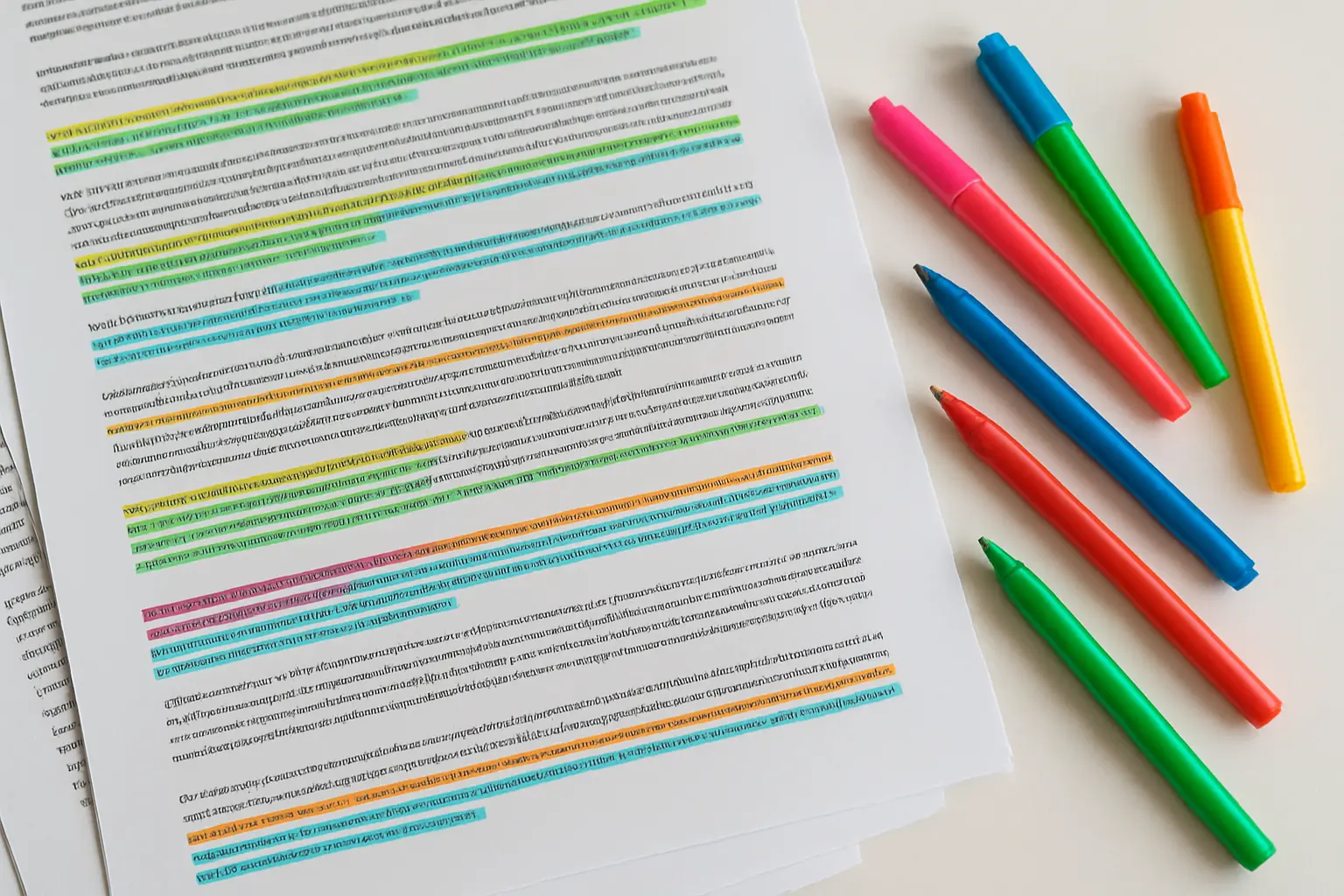
    Colour-coded thematic codes applied across qualitative data
    Software organises coding; it does not perform it. The interpretive decisions remain entirely yours.

    Taguette

    Taguette is free and open source, released under the BSD 3-Clause licence and maintained by Rémi Rampin with contributors. It is actively maintained — its repository showed commits in 2026 at the time of writing — and a hosted version is available alongside a local install.

    One caution when assessing it: its GitHub mirror lists releases only up to 2019, because releases are cut on GitLab rather than the mirror. Read that as a packaging artefact, not as abandonment, which is a mistake some comparison articles make.

    Strengths. It does the core job — importing documents, highlighting, tagging, exporting coded extracts — and it does not expire. Your project remains yours after submission, after your viva and after your registration ends. For interview-based doctoral work with a manageable number of transcripts, the feature gap against the commercial tools is smaller than their marketing implies.

    Weaknesses. Deliberately minimal. No sophisticated query language, no attribute-based matrix analysis, no substantial visualisation. If your project needs to interrogate coding patterns across participant characteristics, you will hit the ceiling. Institutional support is unlikely to exist, so you are your own help desk.

    The criterion doctoral researchers under-weight

    Ask what happens to your project files when your licence ends.

    This is a doctoral problem specifically. Undergraduate projects finish and are never revisited. A doctoral project generates papers for years afterwards — and returning to your coded data to check a claim for a reviewer, eighteen months after submission and six months after your account closed, is a genuinely common scenario.

    Three mitigations, whichever tool you choose. Export your coded extracts in an open format at every major milestone rather than only at the end. Keep your codebook as a separate document, not only inside the software. And before your registration ends, export everything and check the export actually opens.

    The recommendation

    Use NVivo if your university holds a site licence and your department teaches it — local support outweighs feature differences, and it comfortably handles doctoral-scale projects.

    Use ATLAS.ti if your analysis is genuinely network-oriented and you have funded access.

    Use Taguette if your project is interview coding at a moderate scale, if you have no institutional licence, or if long-term access to your own coded data matters more than query features. It is a legitimate scholarly choice, not a compromise.

    And do not overlook the fourth option: coding by hand, in a spreadsheet or a word processor with a disciplined codebook. For a project with fifteen interviews and a reflexive thematic approach, this remains entirely defensible, and some methodologists prefer it on the grounds that it keeps you closer to the data.

    What the software will not decide for you

    No package chooses your analytical approach, and examiners assess the approach rather than the tool. Naming your software in the methods chapter is necessary; it is not a methodology. “Data were analysed using NVivo” describes a container, not a method — you need to state the analytic approach, how codes were generated, how themes were developed and who was involved.

    Nor will any tool tell you when you have enough data, or what your findings mean once coded. That interpretive work is what the discussion chapter exists to carry, and what ultimately supports the claim examined in our guide to stating an original contribution to knowledge. If you are earlier in the process, your analytical strategy is also one of the things a panel probes at the upgrade or confirmation review — and naming a package there without describing a method is a reliable way to invite a difficult question.

    If the coding is done and writing it up is the bottleneck, you can draft those chapters in Tesify from your own themes and extracts — the interpretation stays 100% written by you.

    Frequently asked questions

    Do examiners care which qualitative software I used?

    No. They care that your analytic procedure was systematic, transparent and appropriate to your methodology. A thesis that names a package but cannot describe how codes became themes is weaker than one that coded by hand and explains the process fully.

    Is it acceptable to code a PhD by hand?

    Yes, and it remains common in some methodological traditions. Describe your procedure carefully and keep an auditable codebook. Software makes management easier at volume; it does not confer rigour.

    Can I move a project between these tools?

    Partially, and expect loss. Coded extracts and codebooks usually survive export and import; memos, links and network structures often do not. Choose early and commit, rather than planning to migrate mid-analysis.

    Does using software mean my analysis is quantitative?

    No. These tools organise qualitative data; they do not convert it into numbers. Counting code frequencies is possible but is a choice you make, and in interpretive traditions it is often inappropriate — say what you did and why.

    Will my university licence work on my personal laptop?

    Usually yes, for the duration of your registration and for academic use only. Terms vary, so check your IT services pages, and plan for the licence ending when your registration does.

    Is Taguette still maintained?

    Yes. Its repository showed activity in 2026 and the hosted service was accepting registrations at the time of writing. The stale release list on its GitHub mirror reflects where releases are published, not the state of the project.

    How many transcripts can Taguette handle?

    Enough for a typical interview-based doctoral project. The constraint you will meet is analytical rather than technical — the absence of attribute-based querying — so if you plan to compare coding systematically across participant groups, choose a fuller package from the start.

    Should I mention the software in my methods chapter?

    Yes, with the version number, alongside a full description of the analytic approach. The software belongs in a sentence; the method deserves several pages.
  • LaTeX vs Word for a PhD Thesis: Which Survives 80,000 Words and 300 References?

    LaTeX vs Word for a PhD Thesis: Which Survives 80,000 Words and 300 References?

    At 3,000 words this is a matter of taste. At 80,000 words, with 300 references, forty figures, cross-referenced chapters and a supervisor returning tracked comments on chapter four while you rewrite chapter six, it stops being a matter of taste. The two environments fail in different ways, and the right choice is the one whose failure mode you can live with.

    LaTeX Microsoft Word
    Cost Free (LaTeX Project Public Licence 1.3c) Commercial; normally via your institution
    Learning curve Steep at the start, flat afterwards Shallow at the start, steepens with document size
    Cross-references and numbering Automatic and reliable at any length Works, but can corrupt in very long documents
    Bibliography at 300 sources Excellent; style changed by editing one line Workable via a reference manager, slower and more fragile
    Mathematics Best in class Adequate; laborious at volume
    Supervisor collaboration Awkward unless they also use it Track changes is the sector’s default
    Stability at length Very high Degrades as figures and length accumulate
    Version control Native — plain text works with Git Possible but clumsy
    Typical strongholds Maths, physics, engineering, computer science, economics Humanities, social sciences, health, education, business

    The single question that decides it

    What does your supervisor use, and what does your department’s thesis template assume?

    This overrides every technical consideration below. A supervisor who cannot open your files, or who will not comment on a PDF, imposes a friction cost on every single round of feedback across three or four years. That compounds into far more lost time than any formatting advantage recovers.

    If your department publishes a LaTeX thesis class, that is a strong signal the local infrastructure supports it. If it publishes a Word template and nothing else, going your own way means solving formatting problems alone that everyone else has already had solved for them.

    The case for LaTeX

    LaTeX separates content from presentation. You mark up what something is — a chapter heading, a citation, a figure reference — and the system decides how it looks. At doctoral scale this produces several concrete advantages.

    Numbering and cross-references never break. Insert a new figure between figures 3.2 and 3.3 and every downstream number and every reference to them updates on the next compile. In a 250-page thesis revised repeatedly over a final year, this alone saves days.

    Bibliographies scale without complaint. Three hundred references are no harder than thirty, and switching citation style is a one-line change rather than a manual reformatting job.

    Mathematics is genuinely superior. If your thesis contains substantial mathematical content, this is close to decisive.

    It is plain text. Your thesis lives in files that work with Git, that diff meaningfully, and that will still open in fifty years. Version control on a thesis is an underrated safety net.

    It is free and open. LaTeX is distributed under the LaTeX Project Public Licence, currently version 1.3c. Nothing expires when your registration does.

    Overleaf removes most of the setup pain. Overleaf is a browser-based LaTeX editor that became part of Digital Science in 2014 and merged with ShareLaTeX in 2017. It runs collaboratively, so a supervisor can comment without installing anything. Many UK universities hold institutional licences — UCL, for instance, publicly announced a site licence making Professional-level accounts available to all its staff and students. Check whether yours does before paying for anything, and note that Overleaf’s campus-wide tier is now branded Commons AI rather than the older Overleaf Commons name you may find referenced in older guides.

    The case for Word

    Track changes is the sector’s shared language for feedback. This is the strongest practical argument, and it is a large one. Supervisors, examiners and proofreaders across most UK disciplines expect Word. Comment-and-accept workflows are frictionless in a way that PDF annotation on a LaTeX document is not.

    You already know it. Zero learning curve at the moment you most need to be writing rather than debugging.

    Reference managers integrate well. Zotero — a project of Digital Scholar, released under the GNU Affero General Public Licence version 3 — plugs into Word and handles citation insertion and bibliography generation competently, including at doctoral scale.

    Institutional support exists. Your IT service desk can help with Word. It almost certainly cannot help with a LaTeX compilation error at 11pm.

    Formatting corrections are immediate. If an examiner requires a change to layout during corrections, you make it and see it. In LaTeX you may be debugging a class file.

    A long thesis document with numbered chapters, figures and a bibliography
    Scale is the variable that changes the answer — everything that is trivial at 5,000 words is a system at 80,000.

    How each one fails

    Knowing the failure modes matters more than the feature lists, because you will meet one of them.

    LaTeX fails loudly and early. It refuses to compile, usually over a missing package, a stray brace or a misbehaving figure placement. This is frustrating but visible, and the error is almost always fixable with a search. Nothing is silently lost.

    Word fails quietly and late. The characteristic disaster is a long document with many embedded figures that becomes progressively slower, then starts renumbering incorrectly, corrupting a style, or losing a section break — and does so a fortnight before submission. It is quiet, it is late, and it is worse.

    Two mitigations make Word entirely viable at thesis scale, and most people who struggle have done neither. Write each chapter as a separate file and combine only at the end. Insert figures as linked images at final size rather than pasting them in and resizing. Do both and Word behaves.

    The recommendation

    Use what your supervisor and department use, unless your thesis is mathematics-heavy — in which case use LaTeX and find a way to make feedback work.

    If you are in a discipline where LaTeX is standard, use it: the infrastructure, templates and local expertise are all there. If you are in a discipline where Word is standard, use Word with per-chapter files and a reference manager. Switching to LaTeX mid-doctorate, in the writing-up year, is rarely a good trade — the time goes into learning rather than writing, at exactly the point you can least afford it.

    Whichever you choose, set up your reference manager on day one. The most expensive tooling mistake in a doctorate is not the editor; it is arriving at 250 sources with no bibliographic database and having to rebuild it by hand.

    Decide it once, early, and stop revisiting

    There is a recurring pattern worth naming: the candidate who reopens the tooling question every few months, trials a new environment, migrates two chapters, then reverts. This is almost always displacement activity dressed up as productivity, and it is most tempting precisely when the writing is going badly.

    Make the decision in your first term, using the supervisor-and-department test above, and then treat it as settled. The compounding advantage of either environment comes from accumulating templates, macros, styles and habits within it — all of which reset when you switch. A researcher who has used Word competently for four years will finish sooner than one who has used three environments expertly for eighteen months each.

    What neither will do

    Neither environment writes your argument. The chapter that decides whether the thesis passes is the one where you interpret your findings against the literature, and no template helps with that — our guide to writing the discussion chapter works through the moves it needs to make. Neither will tell you whether your claim is defensible, which is what our guide to stating an original contribution addresses. And neither helps with the progression milestones along the way, where the sample chapter you submit at the upgrade or confirmation review is being read for its argument rather than its typesetting.

    If the structure is clear and the drafting has stalled, you can build chapters in Tesify and move the text into whichever environment you have chosen. The scholarship stays 100% written by you.

    Frequently asked questions

    Can I write in LaTeX and give my supervisor a Word file?

    You can convert, but conversion is lossy and round-tripping edits back is painful. The better pattern is to send a PDF and agree how comments come back — many supervisors will annotate a PDF happily once asked. Agree this early rather than at the first feedback deadline.

    Is Overleaf free?

    There is a free tier, and paid tiers add collaborators and features. Many UK universities hold institutional licences that give staff and students an upgraded account at no personal cost, so check your IT services pages before subscribing.

    Will my examiners care which I used?

    No. They receive a PDF or a printed thesis and assess the research. What they will notice is inconsistent numbering, broken cross-references or a bibliography that does not match the citations — problems either tool can produce if handled carelessly.

    What about Google Docs?

    Excellent for collaborative drafting of short pieces, and genuinely poor as a thesis environment — it struggles with long documents, complex numbering and thesis-standard bibliography formatting. Draft in it if you like; do not assemble in it.

    Should I switch to LaTeX for my corrections?

    Almost never. Corrections have a deadline, and rebuilding a thesis in a new environment while making substantive changes is a way to introduce errors under time pressure. Make the corrections where the thesis already lives.

    How do I stop Word corrupting a long thesis?

    Keep chapters in separate files, use styles rather than manual formatting, insert images as linked files at final size, avoid nested tables and text boxes where you can, and keep dated backups. Most catastrophic Word failures at thesis scale trace back to one of these.

    Which reference manager works with both?

    Zotero handles both, integrating with Word and exporting the BibTeX files LaTeX needs. Whichever you choose, start using it from your first reading rather than retrofitting it later.

    Do I need to know LaTeX to use my department’s thesis class?

    Less than you might fear. A thesis class handles the layout, margins, front matter and numbering your institution requires, so your job is mostly writing text and marking up sections, citations and figures. Most candidates in LaTeX departments learn what they need within a fortnight and never touch the class file itself.

    How should I back up my thesis?

    In at least two places that are not the same physical machine, with version history rather than a single overwritten copy. Cloud storage with revision history, or a Git repository for LaTeX, protects against the failure that matters most — not losing the file, but discovering that you overwrote a good version with a worse one three weeks ago.

    Does it matter which one I use for journal articles from my thesis?

    It can. Some journals, particularly in mathematics, physics and computer science, supply LaTeX templates and prefer submissions in that format, while most others accept Word. If you expect to publish from your thesis, check the conventions in your target journals — writing the thesis in the same environment saves a conversion step later.