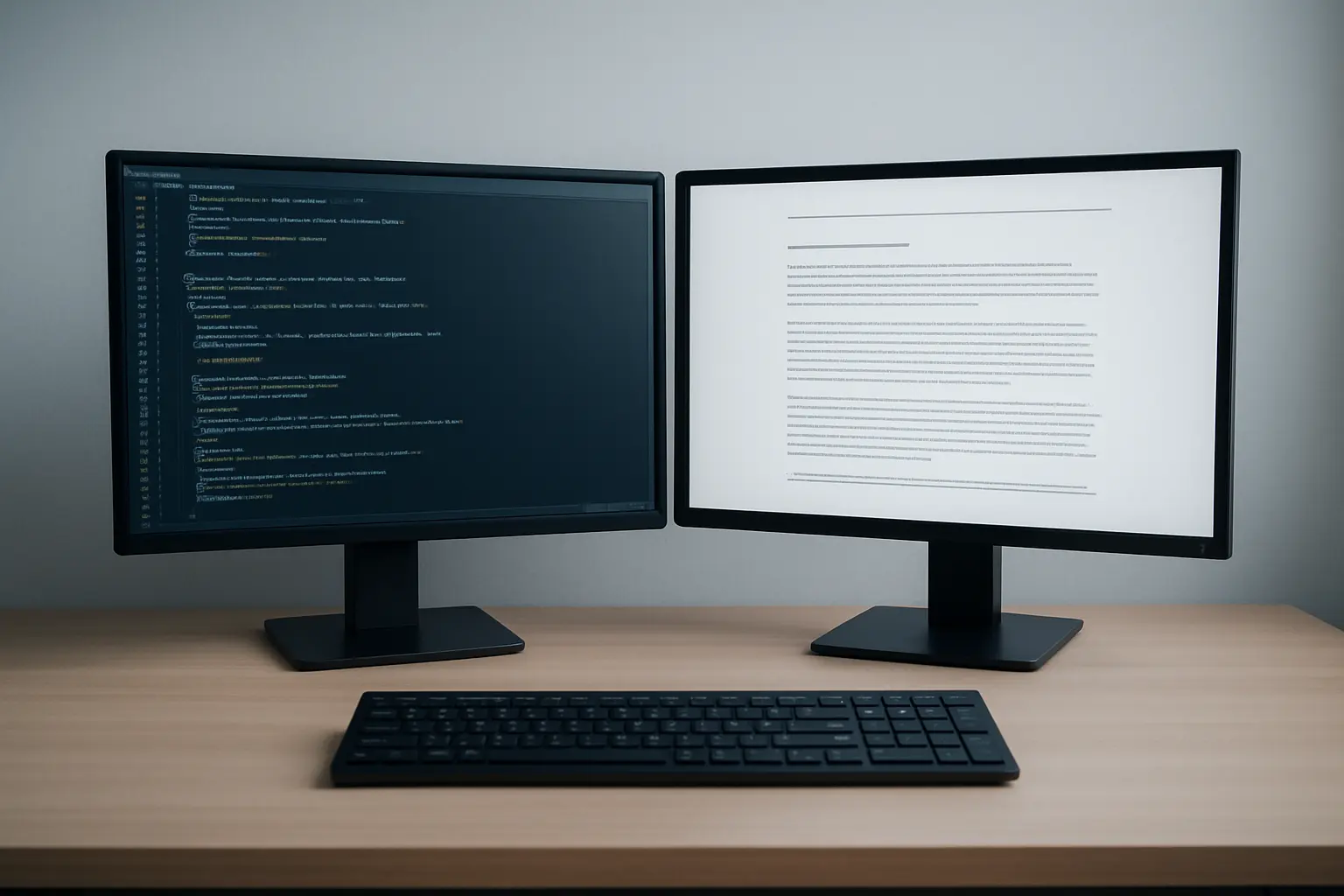
At 3,000 words this is a matter of taste. At 80,000 words, with 300 references, forty figures, cross-referenced chapters and a supervisor returning tracked comments on chapter four while you rewrite chapter six, it stops being a matter of taste. The two environments fail in different ways, and the right choice is the one whose failure mode you can live with.
| LaTeX | Microsoft Word | |
|---|---|---|
| Cost | Free (LaTeX Project Public Licence 1.3c) | Commercial; normally via your institution |
| Learning curve | Steep at the start, flat afterwards | Shallow at the start, steepens with document size |
| Cross-references and numbering | Automatic and reliable at any length | Works, but can corrupt in very long documents |
| Bibliography at 300 sources | Excellent; style changed by editing one line | Workable via a reference manager, slower and more fragile |
| Mathematics | Best in class | Adequate; laborious at volume |
| Supervisor collaboration | Awkward unless they also use it | Track changes is the sector’s default |
| Stability at length | Very high | Degrades as figures and length accumulate |
| Version control | Native — plain text works with Git | Possible but clumsy |
| Typical strongholds | Maths, physics, engineering, computer science, economics | Humanities, social sciences, health, education, business |
The single question that decides it
What does your supervisor use, and what does your department’s thesis template assume?
This overrides every technical consideration below. A supervisor who cannot open your files, or who will not comment on a PDF, imposes a friction cost on every single round of feedback across three or four years. That compounds into far more lost time than any formatting advantage recovers.
If your department publishes a LaTeX thesis class, that is a strong signal the local infrastructure supports it. If it publishes a Word template and nothing else, going your own way means solving formatting problems alone that everyone else has already had solved for them.
The case for LaTeX
LaTeX separates content from presentation. You mark up what something is — a chapter heading, a citation, a figure reference — and the system decides how it looks. At doctoral scale this produces several concrete advantages.
Numbering and cross-references never break. Insert a new figure between figures 3.2 and 3.3 and every downstream number and every reference to them updates on the next compile. In a 250-page thesis revised repeatedly over a final year, this alone saves days.
Bibliographies scale without complaint. Three hundred references are no harder than thirty, and switching citation style is a one-line change rather than a manual reformatting job.
Mathematics is genuinely superior. If your thesis contains substantial mathematical content, this is close to decisive.
It is plain text. Your thesis lives in files that work with Git, that diff meaningfully, and that will still open in fifty years. Version control on a thesis is an underrated safety net.
It is free and open. LaTeX is distributed under the LaTeX Project Public Licence, currently version 1.3c. Nothing expires when your registration does.
Overleaf removes most of the setup pain. Overleaf is a browser-based LaTeX editor that became part of Digital Science in 2014 and merged with ShareLaTeX in 2017. It runs collaboratively, so a supervisor can comment without installing anything. Many UK universities hold institutional licences — UCL, for instance, publicly announced a site licence making Professional-level accounts available to all its staff and students. Check whether yours does before paying for anything, and note that Overleaf’s campus-wide tier is now branded Commons AI rather than the older Overleaf Commons name you may find referenced in older guides.
The case for Word
Track changes is the sector’s shared language for feedback. This is the strongest practical argument, and it is a large one. Supervisors, examiners and proofreaders across most UK disciplines expect Word. Comment-and-accept workflows are frictionless in a way that PDF annotation on a LaTeX document is not.
You already know it. Zero learning curve at the moment you most need to be writing rather than debugging.
Reference managers integrate well. Zotero — a project of Digital Scholar, released under the GNU Affero General Public Licence version 3 — plugs into Word and handles citation insertion and bibliography generation competently, including at doctoral scale.
Institutional support exists. Your IT service desk can help with Word. It almost certainly cannot help with a LaTeX compilation error at 11pm.
Formatting corrections are immediate. If an examiner requires a change to layout during corrections, you make it and see it. In LaTeX you may be debugging a class file.
How each one fails
Knowing the failure modes matters more than the feature lists, because you will meet one of them.
LaTeX fails loudly and early. It refuses to compile, usually over a missing package, a stray brace or a misbehaving figure placement. This is frustrating but visible, and the error is almost always fixable with a search. Nothing is silently lost.
Word fails quietly and late. The characteristic disaster is a long document with many embedded figures that becomes progressively slower, then starts renumbering incorrectly, corrupting a style, or losing a section break — and does so a fortnight before submission. It is quiet, it is late, and it is worse.
Two mitigations make Word entirely viable at thesis scale, and most people who struggle have done neither. Write each chapter as a separate file and combine only at the end. Insert figures as linked images at final size rather than pasting them in and resizing. Do both and Word behaves.
The recommendation
Use what your supervisor and department use, unless your thesis is mathematics-heavy — in which case use LaTeX and find a way to make feedback work.
If you are in a discipline where LaTeX is standard, use it: the infrastructure, templates and local expertise are all there. If you are in a discipline where Word is standard, use Word with per-chapter files and a reference manager. Switching to LaTeX mid-doctorate, in the writing-up year, is rarely a good trade — the time goes into learning rather than writing, at exactly the point you can least afford it.
Whichever you choose, set up your reference manager on day one. The most expensive tooling mistake in a doctorate is not the editor; it is arriving at 250 sources with no bibliographic database and having to rebuild it by hand.
Decide it once, early, and stop revisiting
There is a recurring pattern worth naming: the candidate who reopens the tooling question every few months, trials a new environment, migrates two chapters, then reverts. This is almost always displacement activity dressed up as productivity, and it is most tempting precisely when the writing is going badly.
Make the decision in your first term, using the supervisor-and-department test above, and then treat it as settled. The compounding advantage of either environment comes from accumulating templates, macros, styles and habits within it — all of which reset when you switch. A researcher who has used Word competently for four years will finish sooner than one who has used three environments expertly for eighteen months each.
What neither will do
Neither environment writes your argument. The chapter that decides whether the thesis passes is the one where you interpret your findings against the literature, and no template helps with that — our guide to writing the discussion chapter works through the moves it needs to make. Neither will tell you whether your claim is defensible, which is what our guide to stating an original contribution addresses. And neither helps with the progression milestones along the way, where the sample chapter you submit at the upgrade or confirmation review is being read for its argument rather than its typesetting.
If the structure is clear and the drafting has stalled, you can build chapters in Tesify and move the text into whichever environment you have chosen. The scholarship stays 100% written by you.
Frequently asked questions
Can I write in LaTeX and give my supervisor a Word file?
You can convert, but conversion is lossy and round-tripping edits back is painful. The better pattern is to send a PDF and agree how comments come back — many supervisors will annotate a PDF happily once asked. Agree this early rather than at the first feedback deadline.
Is Overleaf free?
There is a free tier, and paid tiers add collaborators and features. Many UK universities hold institutional licences that give staff and students an upgraded account at no personal cost, so check your IT services pages before subscribing.
Will my examiners care which I used?
No. They receive a PDF or a printed thesis and assess the research. What they will notice is inconsistent numbering, broken cross-references or a bibliography that does not match the citations — problems either tool can produce if handled carelessly.
What about Google Docs?
Excellent for collaborative drafting of short pieces, and genuinely poor as a thesis environment — it struggles with long documents, complex numbering and thesis-standard bibliography formatting. Draft in it if you like; do not assemble in it.
Should I switch to LaTeX for my corrections?
Almost never. Corrections have a deadline, and rebuilding a thesis in a new environment while making substantive changes is a way to introduce errors under time pressure. Make the corrections where the thesis already lives.
How do I stop Word corrupting a long thesis?
Keep chapters in separate files, use styles rather than manual formatting, insert images as linked files at final size, avoid nested tables and text boxes where you can, and keep dated backups. Most catastrophic Word failures at thesis scale trace back to one of these.
Which reference manager works with both?
Zotero handles both, integrating with Word and exporting the BibTeX files LaTeX needs. Whichever you choose, start using it from your first reading rather than retrofitting it later.
Do I need to know LaTeX to use my department’s thesis class?
Less than you might fear. A thesis class handles the layout, margins, front matter and numbering your institution requires, so your job is mostly writing text and marking up sections, citations and figures. Most candidates in LaTeX departments learn what they need within a fortnight and never touch the class file itself.
How should I back up my thesis?
In at least two places that are not the same physical machine, with version history rather than a single overwritten copy. Cloud storage with revision history, or a Git repository for LaTeX, protects against the failure that matters most — not losing the file, but discovering that you overwrote a good version with a worse one three weeks ago.
Does it matter which one I use for journal articles from my thesis?
It can. Some journals, particularly in mathematics, physics and computer science, supply LaTeX templates and prefer submissions in that format, while most others accept Word. If you expect to publish from your thesis, check the conventions in your target journals — writing the thesis in the same environment saves a conversion step later.